
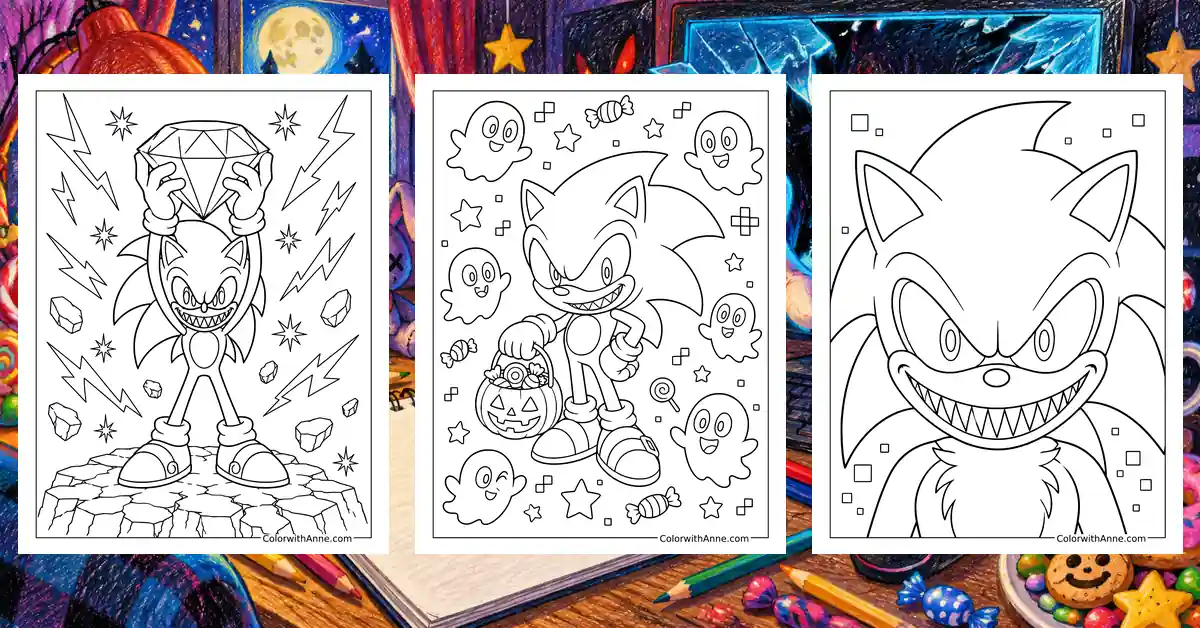
A familiar blue silhouette feels very different when the eyes and expression turn unsettling. Sonic Exe draws on that uneasy recognition: something associated with speed and cheerful gaming now carries a darker mood. Even the usual confidence of a Sonic fan can give way to a cautious second glance.
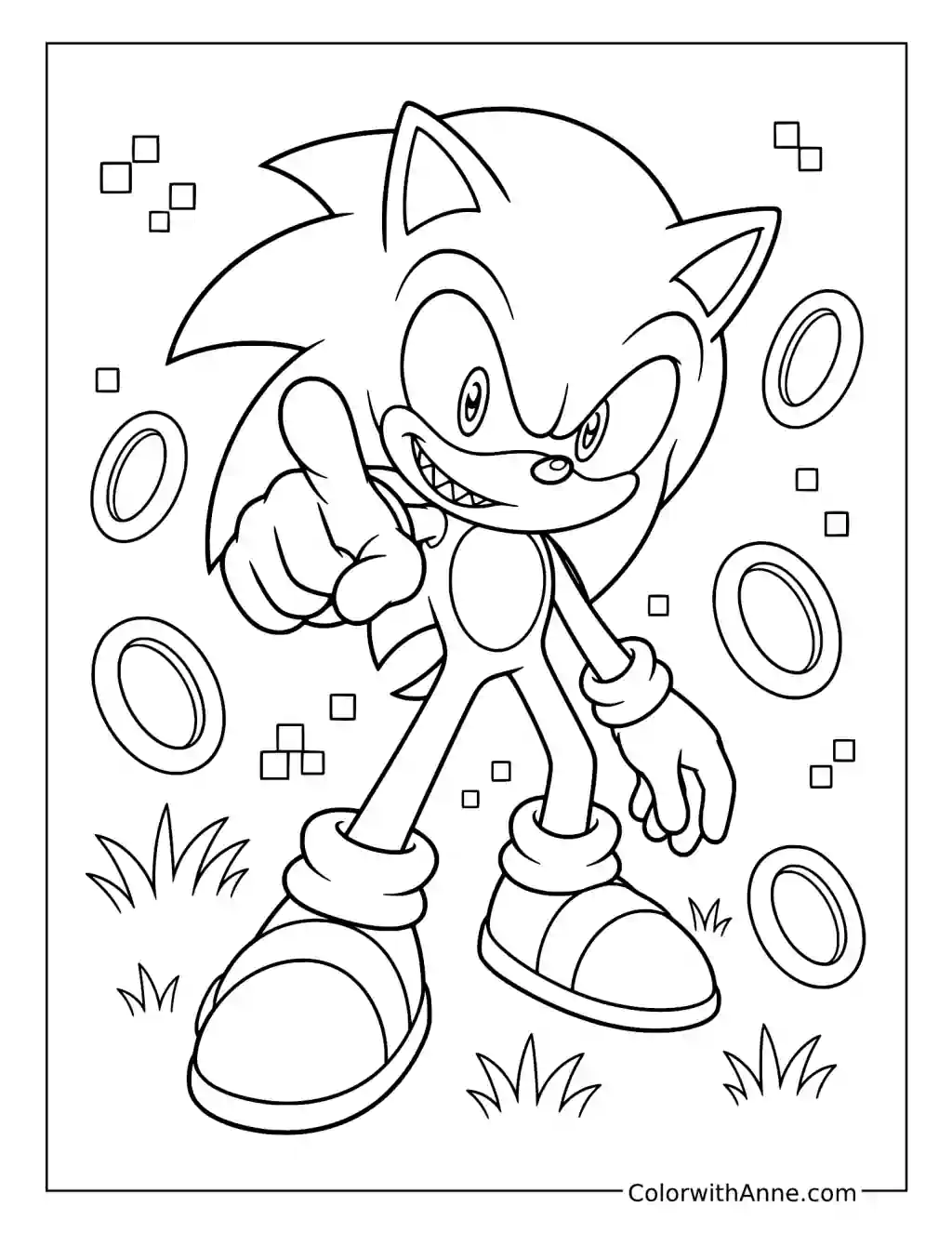
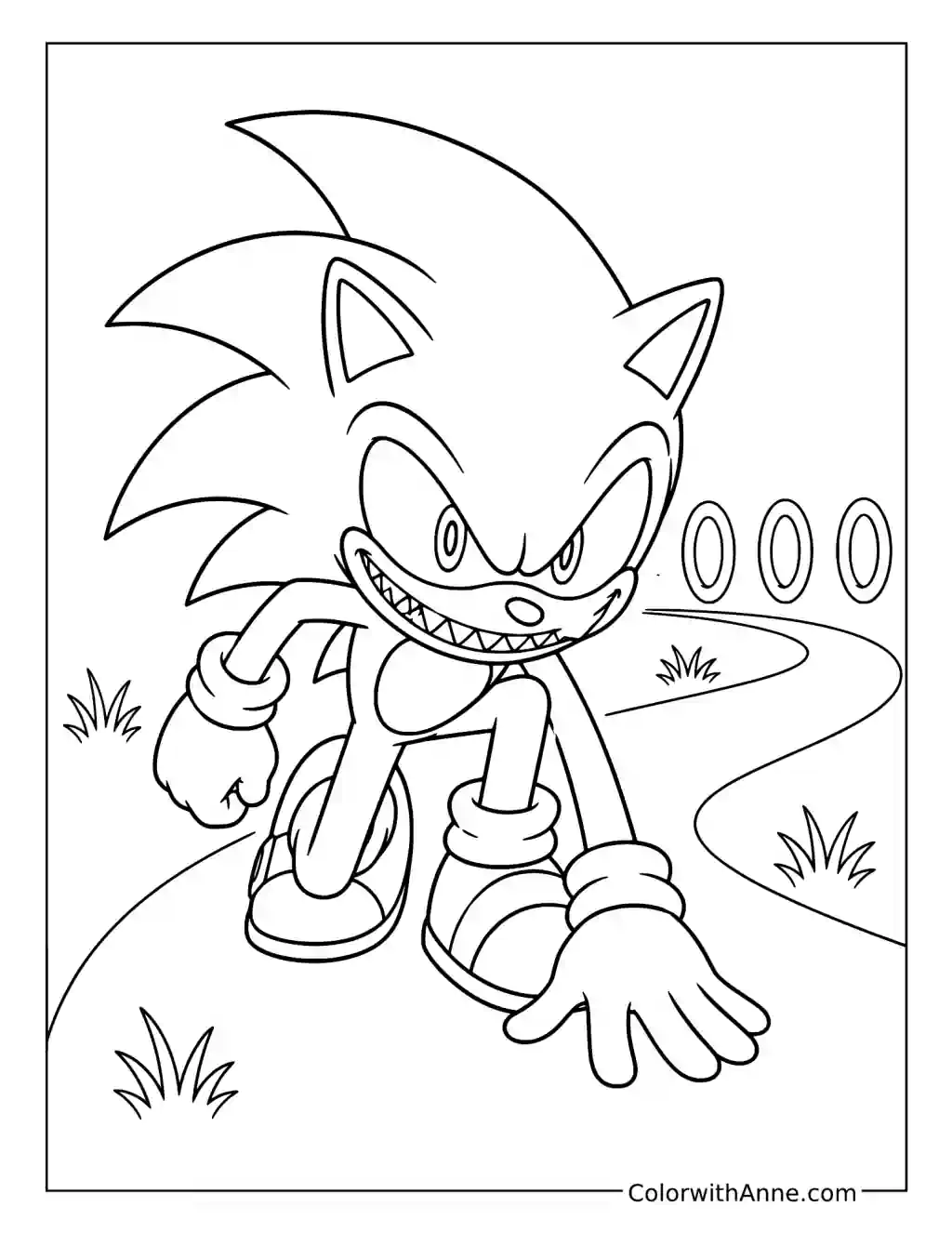
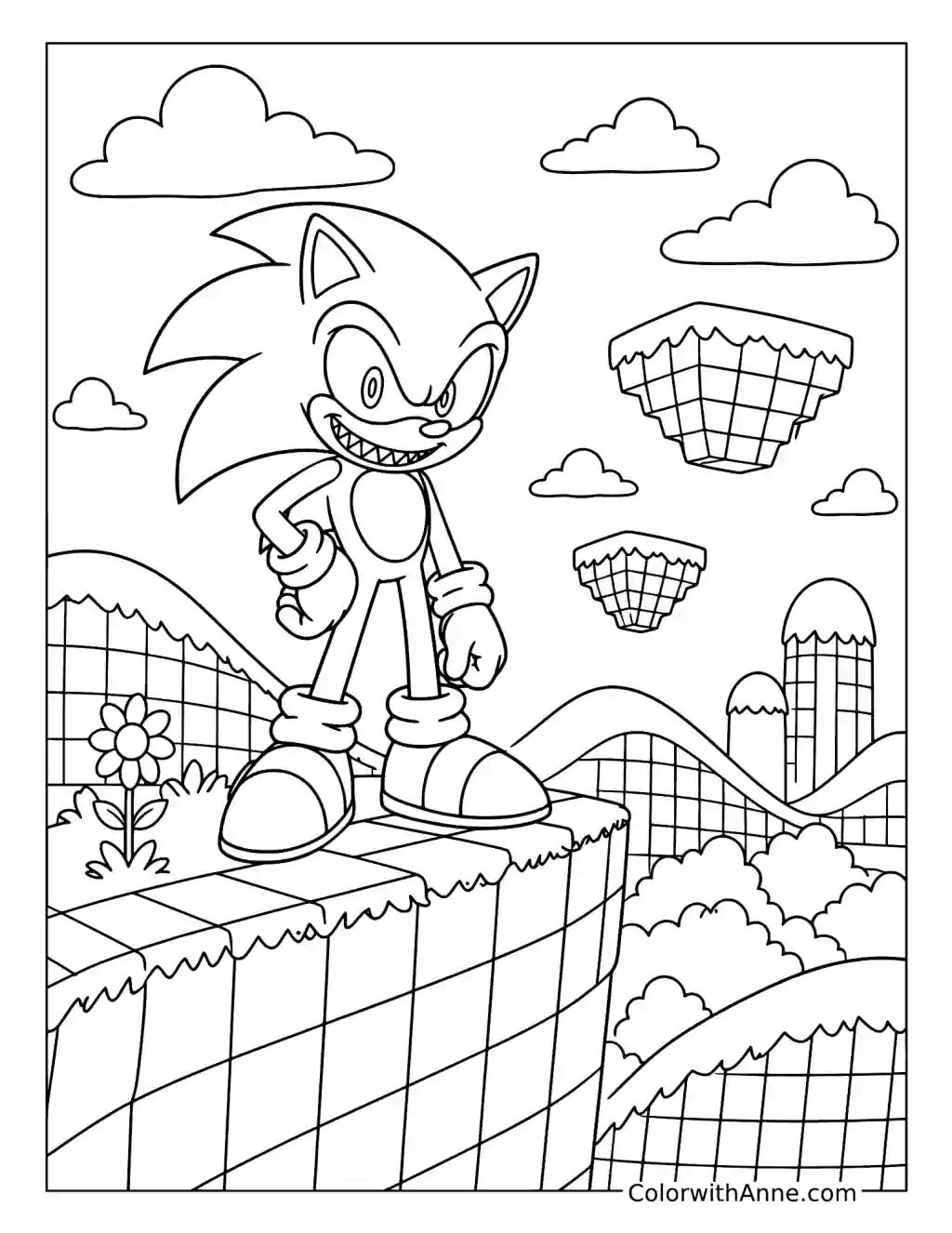
Sonic Exe coloring pages suit fans who enjoy the eerie side of gaming-inspired fan art. The interest lies in how small changes to a recognizable character can alter the entire atmosphere. A stare, a grin, or an ominous detail can do more than a crowded background to create that uncomfortable feeling.
Free Printable Sonic Exe Coloring Pages
Click any coloring page below to open the PDF, then print on US Letter or A4 paper.






Did you find what you needed?
Help us choose what to create or improve next.
Coloring Ideas for Sonic Exe Pages
Try one of these coloring ideas, or use them as a starting point for your own.
Make the Game Screen Feel Breakable
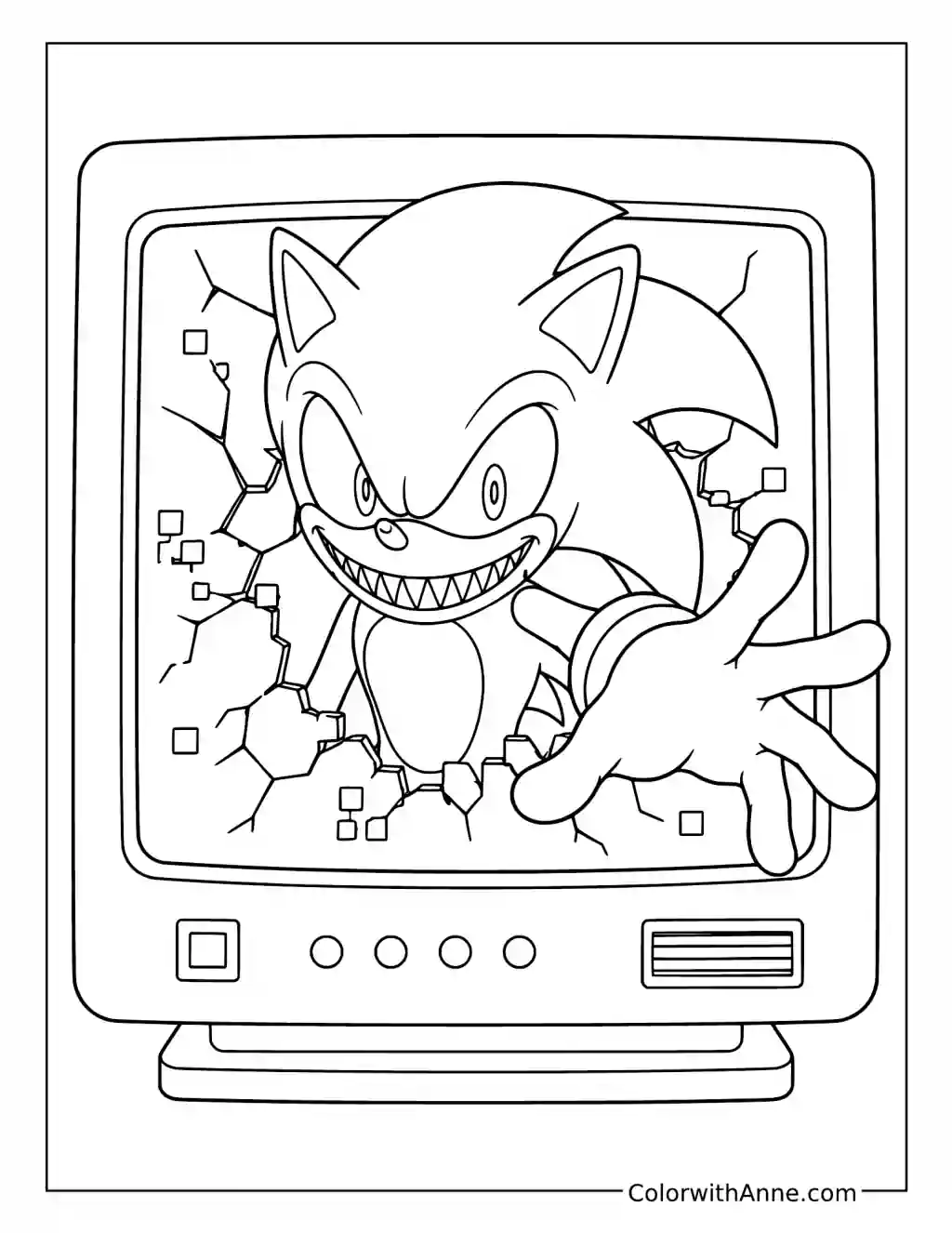
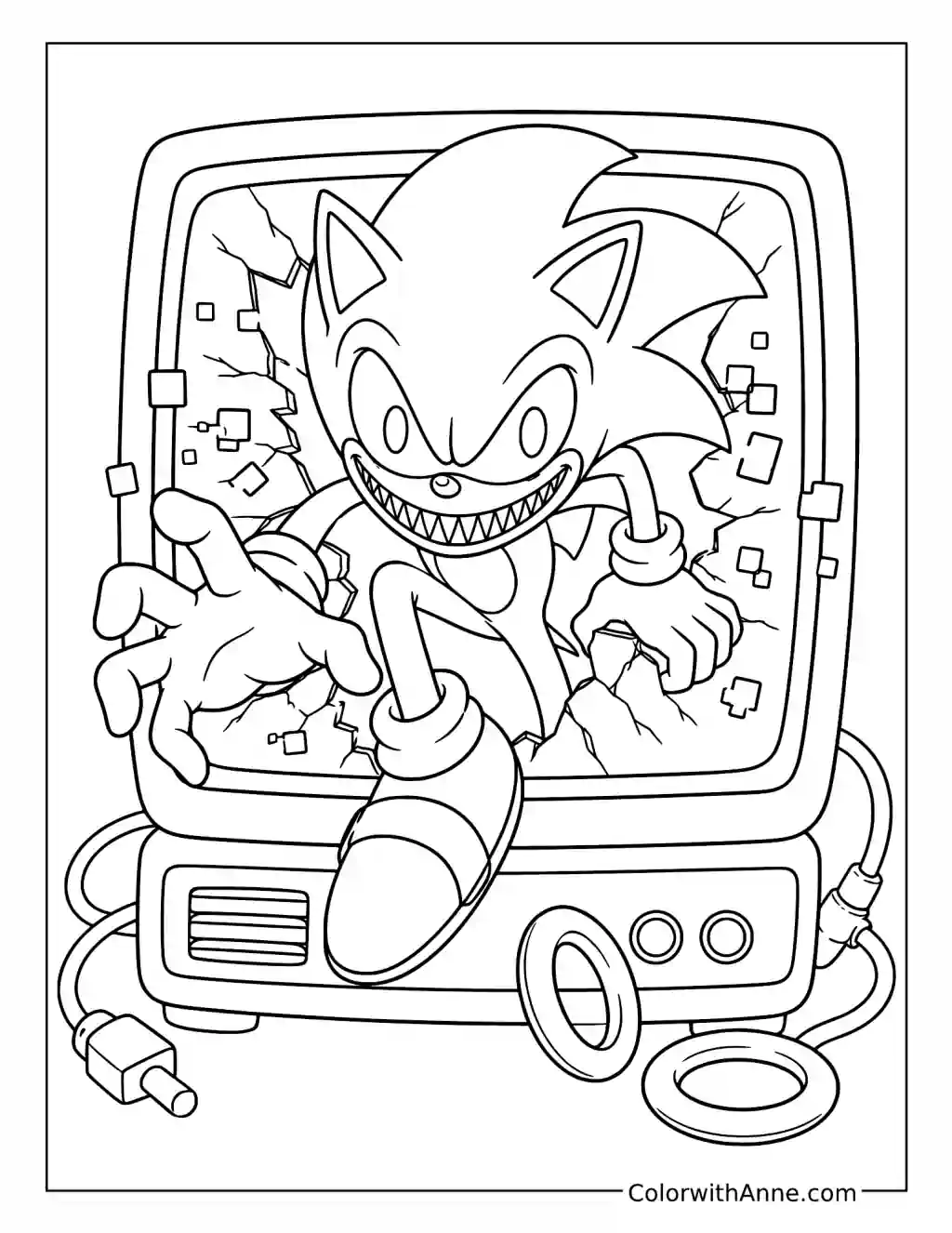
Sonic.EXE reaches through a cracked screen, with one hand pushing toward the viewer. Keep the monitor frame comparatively dull while giving the cracks and reaching fingers sharper contrast.
For a raised effect, trace the forward hand onto a separate piece of card, color it to match, and attach it over the printed hand with a small folded paper spacer. Only that detail needs to lift. The image becomes more unsettling when the screen stays flat but something inside it apparently does not.
Let the Eyes Interrupt the Face
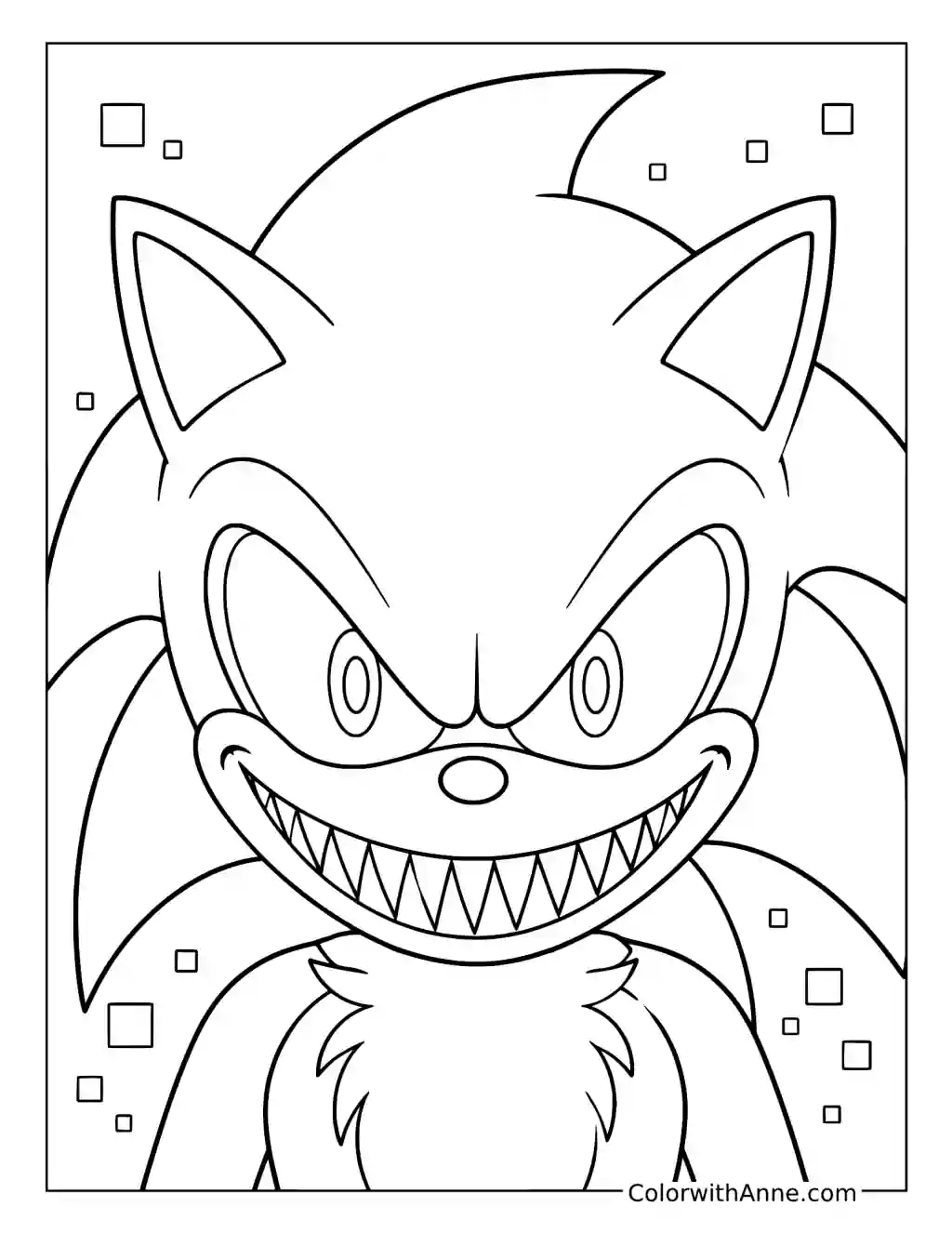
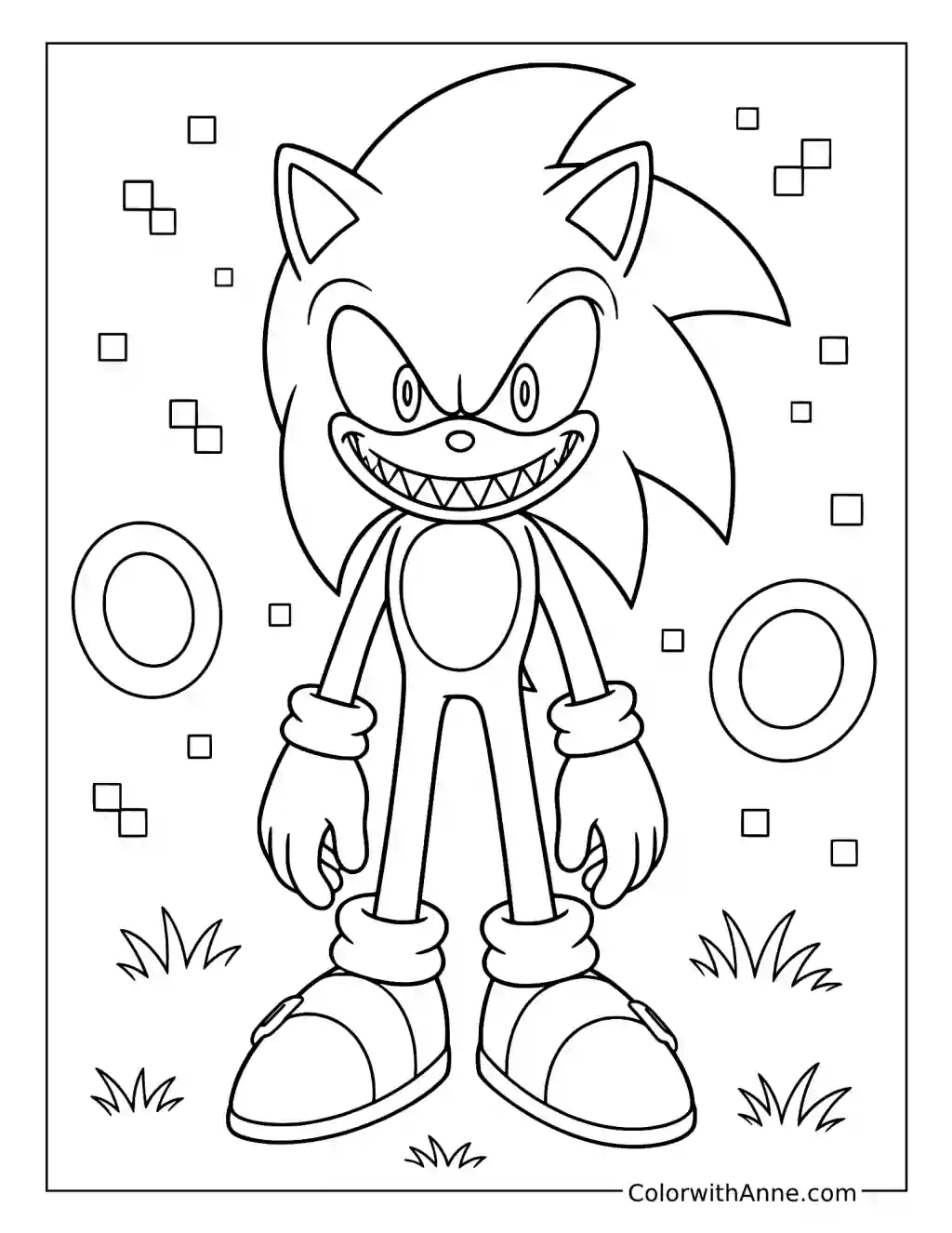
The close-up leaves very little distance between the viewer and the grin. Fill the large eye shapes with near-black, adding tiny red points if you want to intensify the horror effect.
Keep the teeth pale and avoid making every pixel around the face equally bright. The strongest contrast should belong to the eyes and mouth. With the rest of the face held in darker blue, those features seem to arrive first, before the familiar outline has had time to feel reassuring.
Keep Green Hill Bright Enough to Feel Wrong
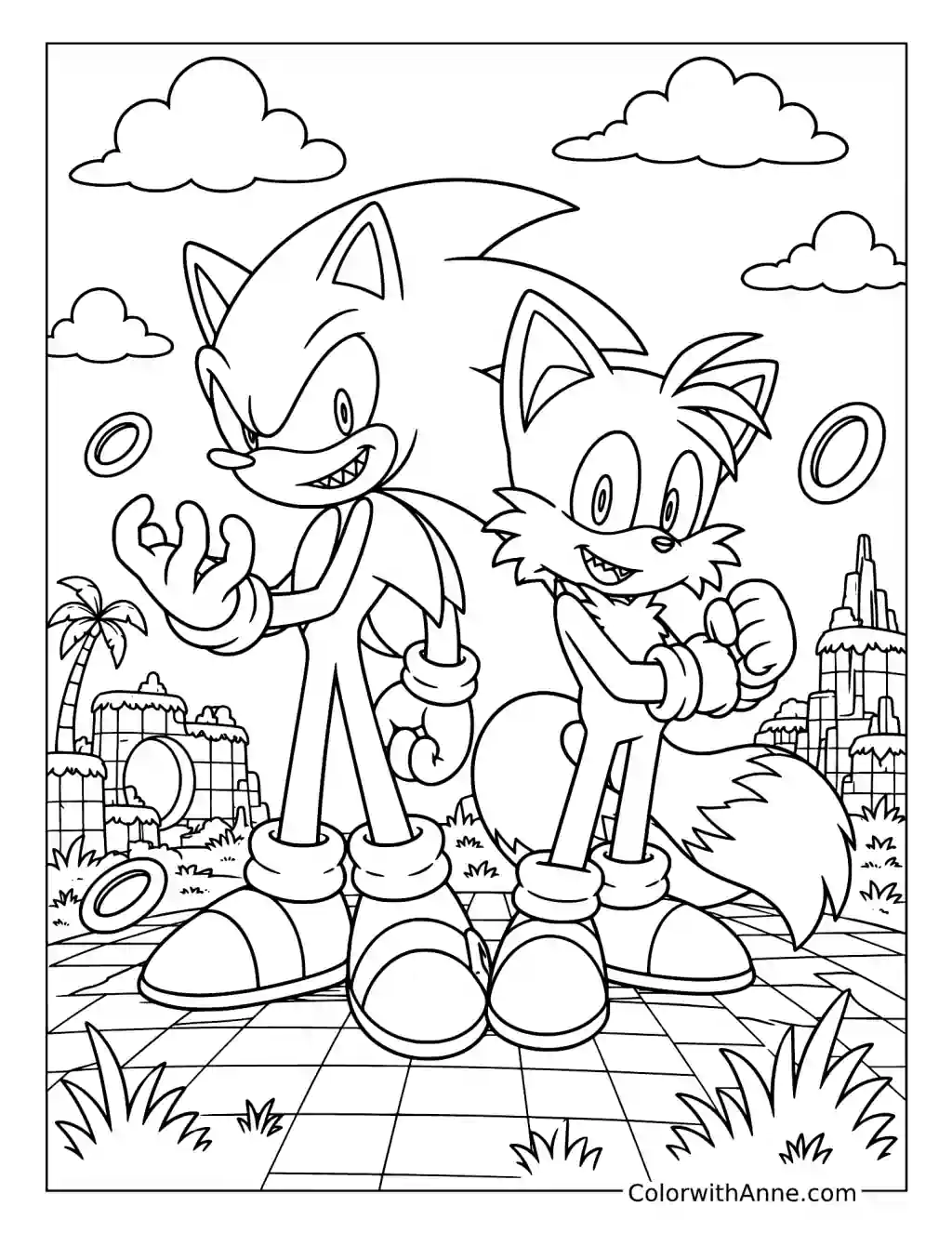
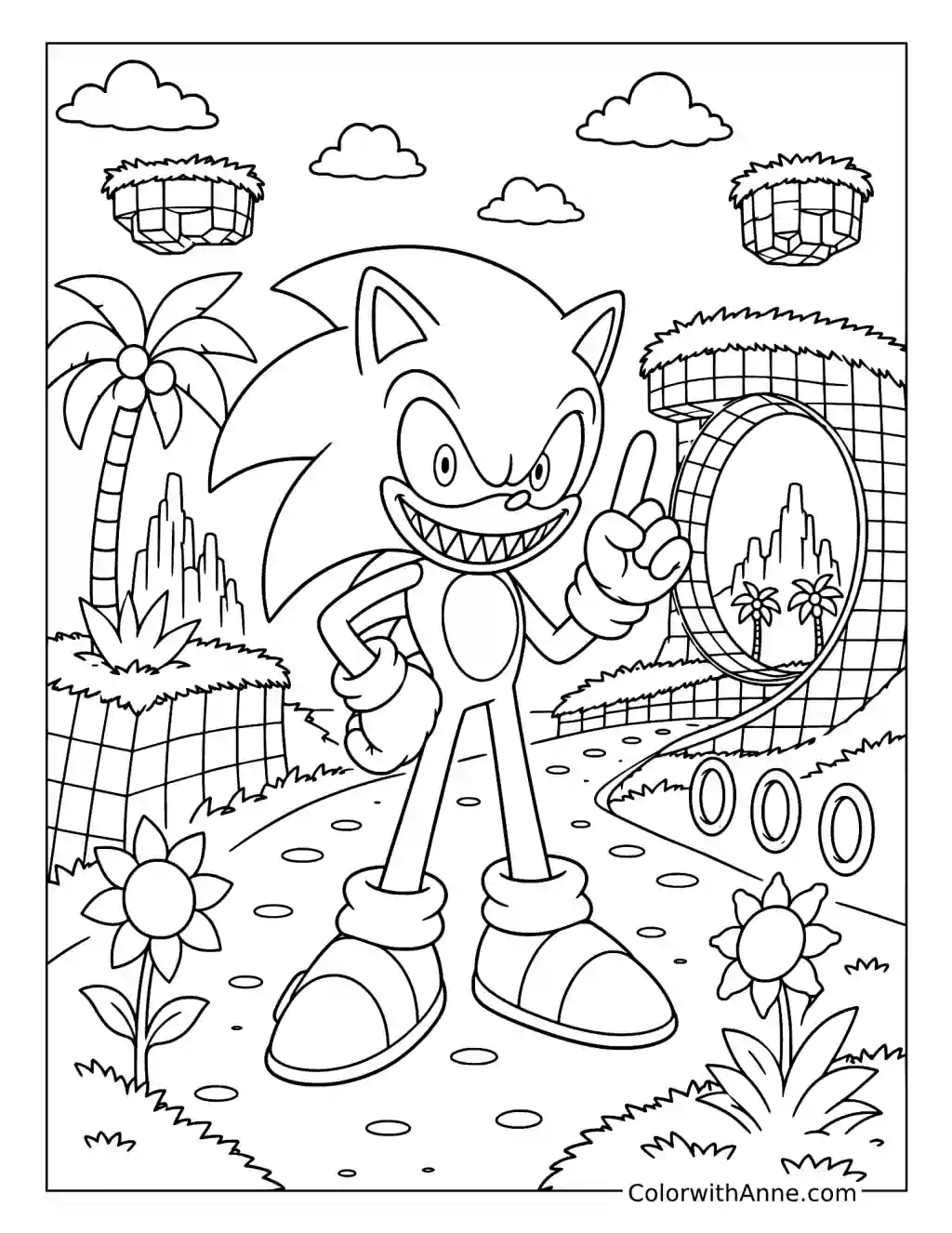
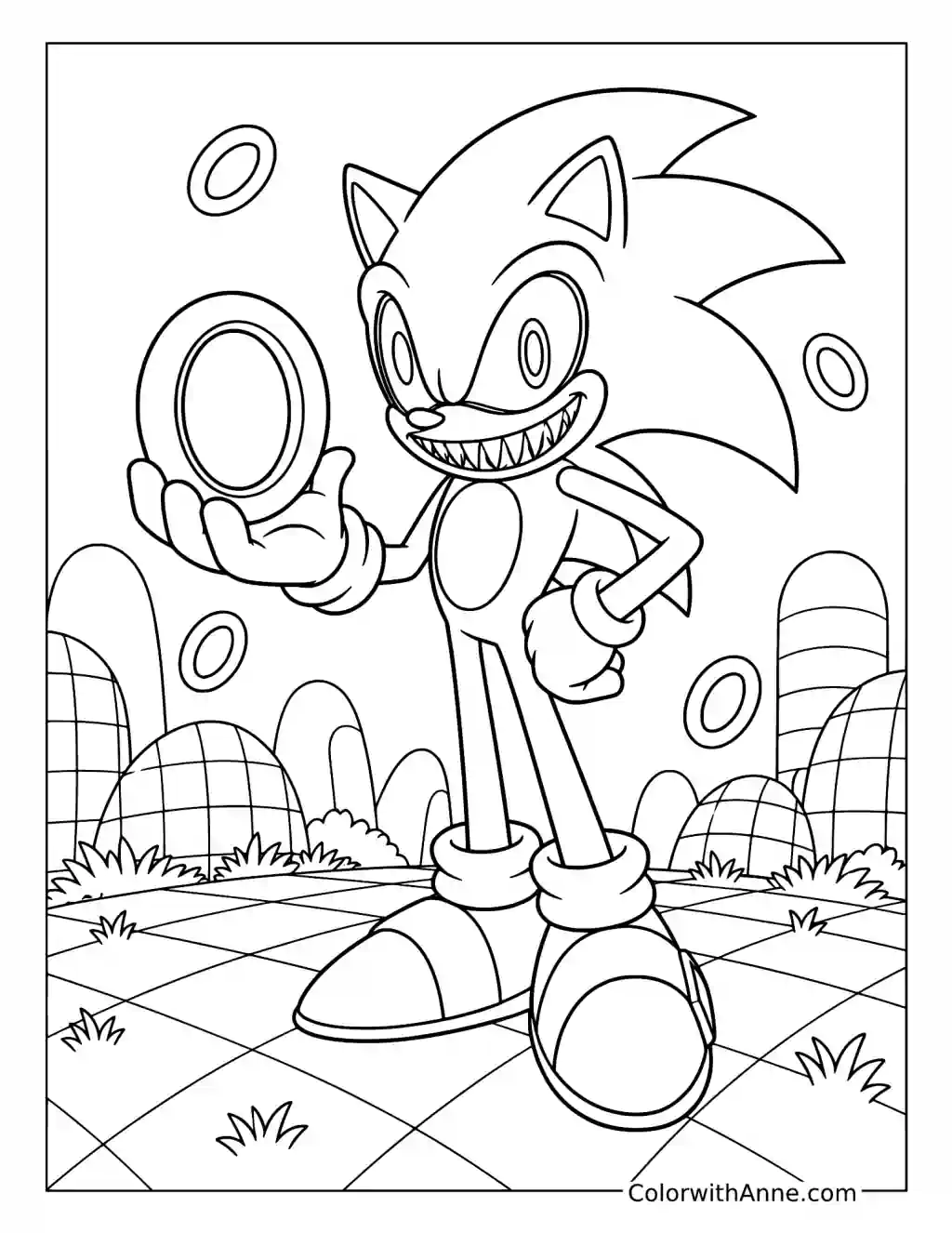
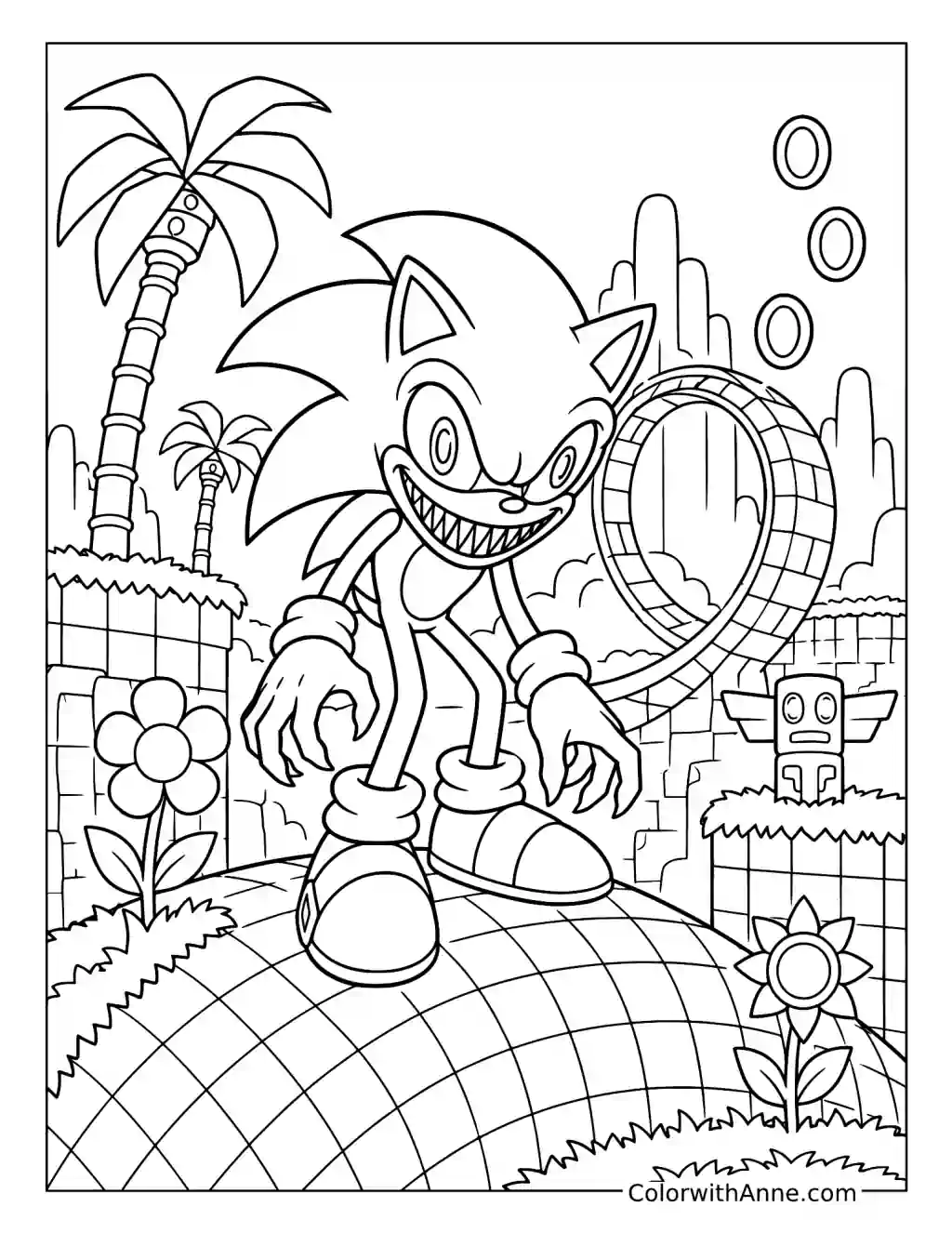
The loop, flowers, palm tree, and checker-patterned landscape still carry the cheerful structure of a Sonic level. Keep those surroundings recognizably bright instead of turning the whole scene black.
Then give Sonic.EXE colder shadows and a much darker expression. The mismatch creates the unease: the place looks ready for an ordinary game, while the figure standing in it clearly changes the mood. A familiar setting can be more disturbing than a haunted one when only its central character feels wrong.
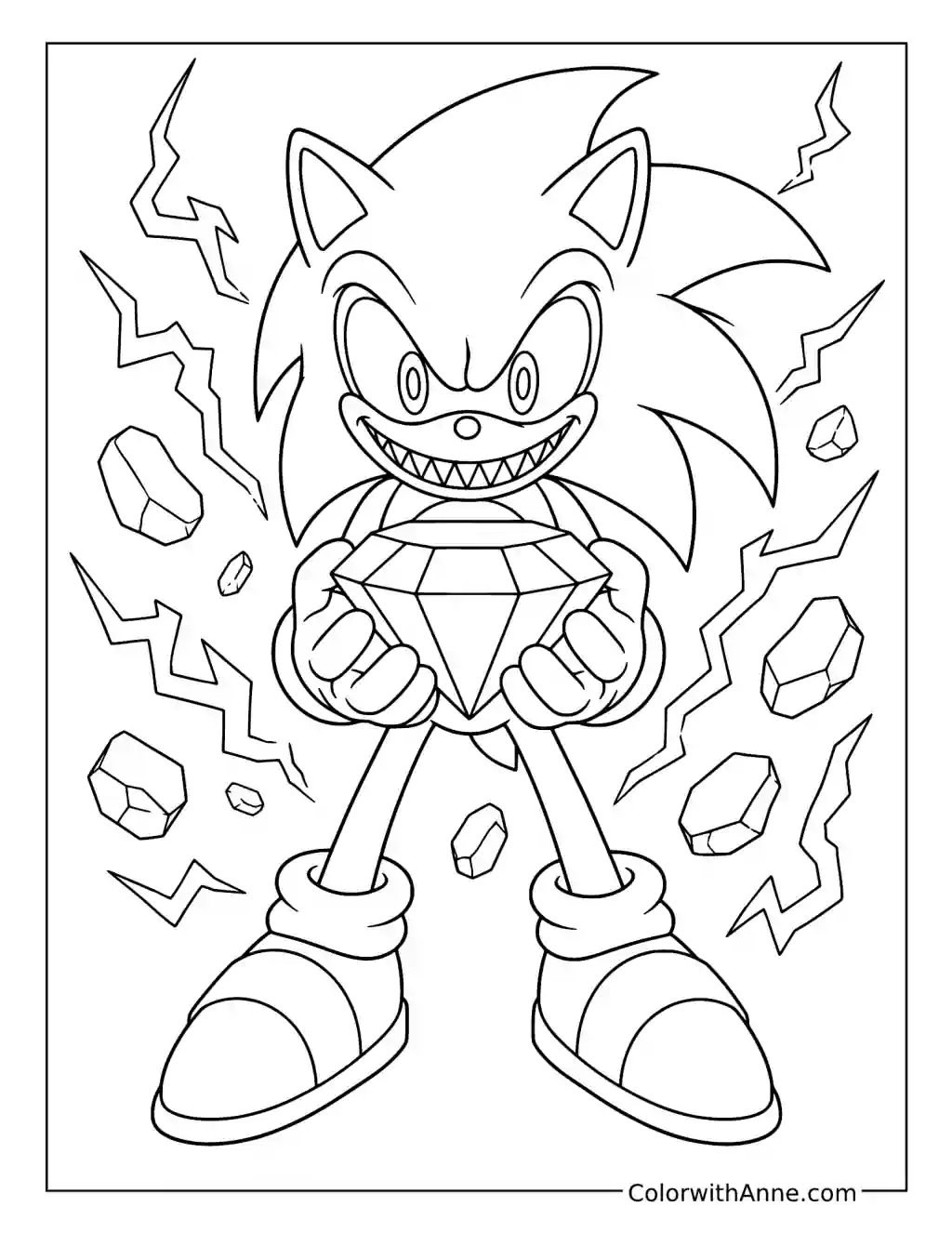
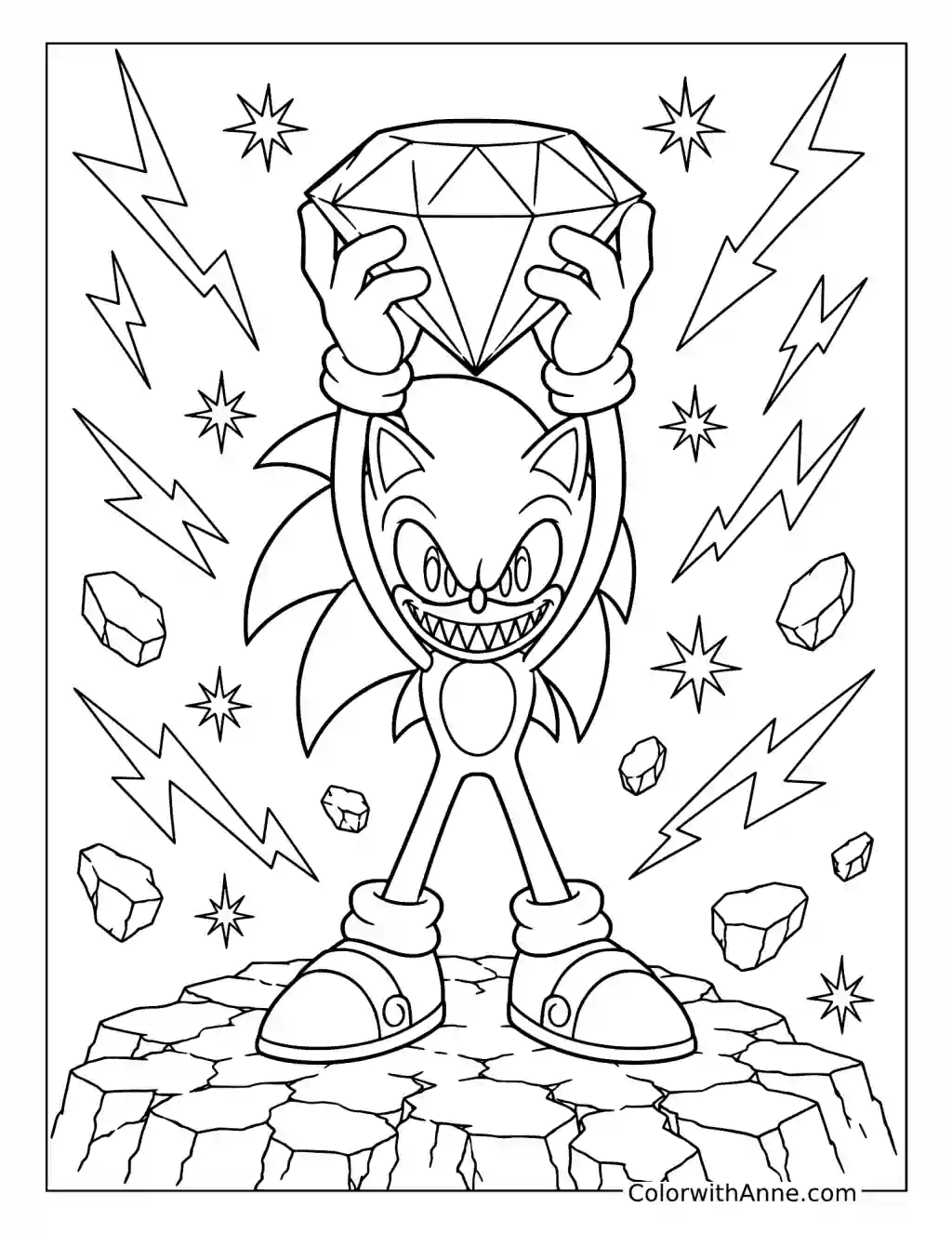
Let the Chaos Emerald Light the Hands
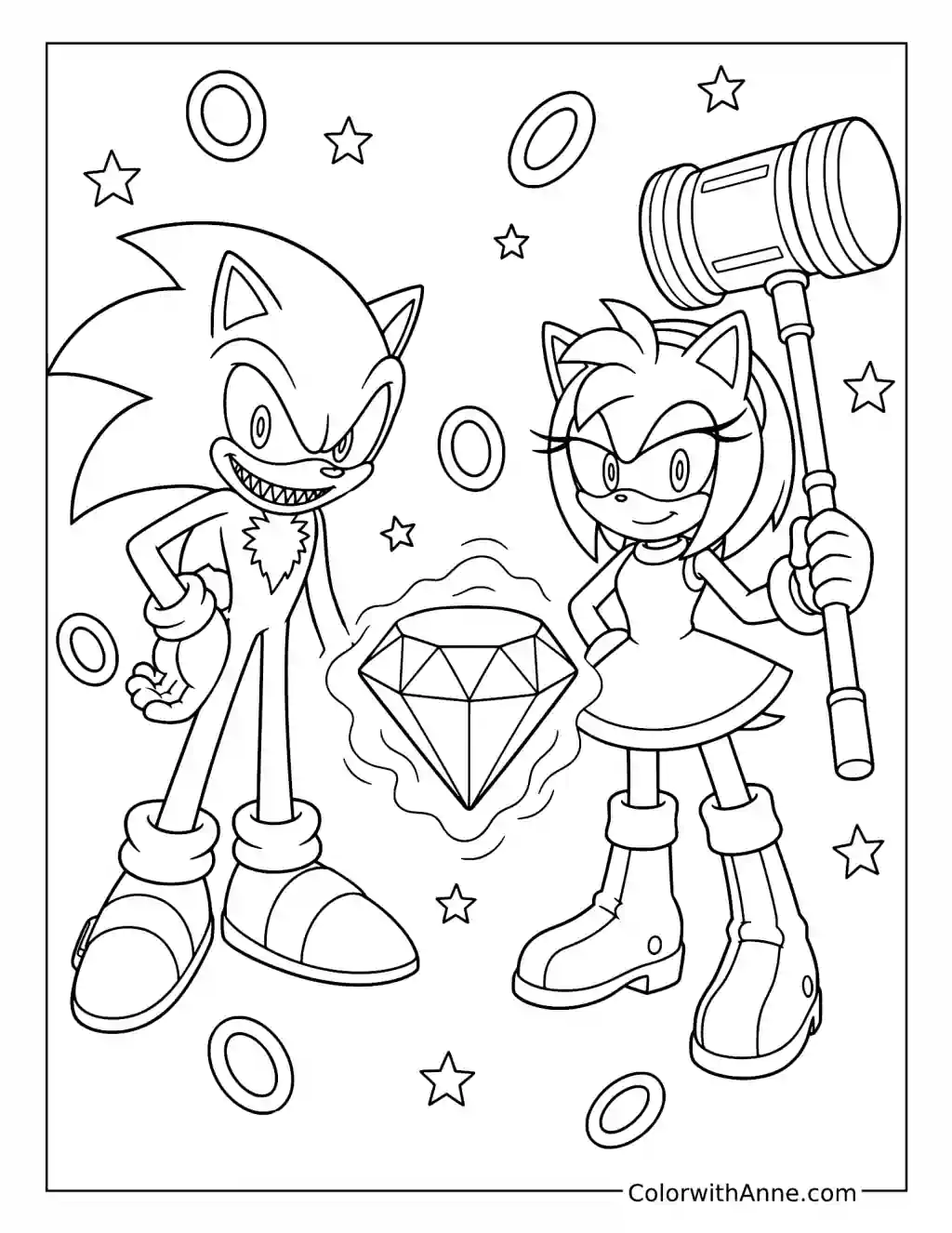
The emerald is held directly in front of Sonic.EXE, surrounded by angular energy marks and smaller fragments. Choose one strong jewel color and let it spill lightly onto the nearest fingers and the underside of the face.
Keep the more distant parts of the body darker so the glow has a limited reach. The crystal’s facets should alternate between bright planes and deep ones. That makes it feel like a concentrated source of power, with the figure leaning into its light rather than merely holding a colorful object.
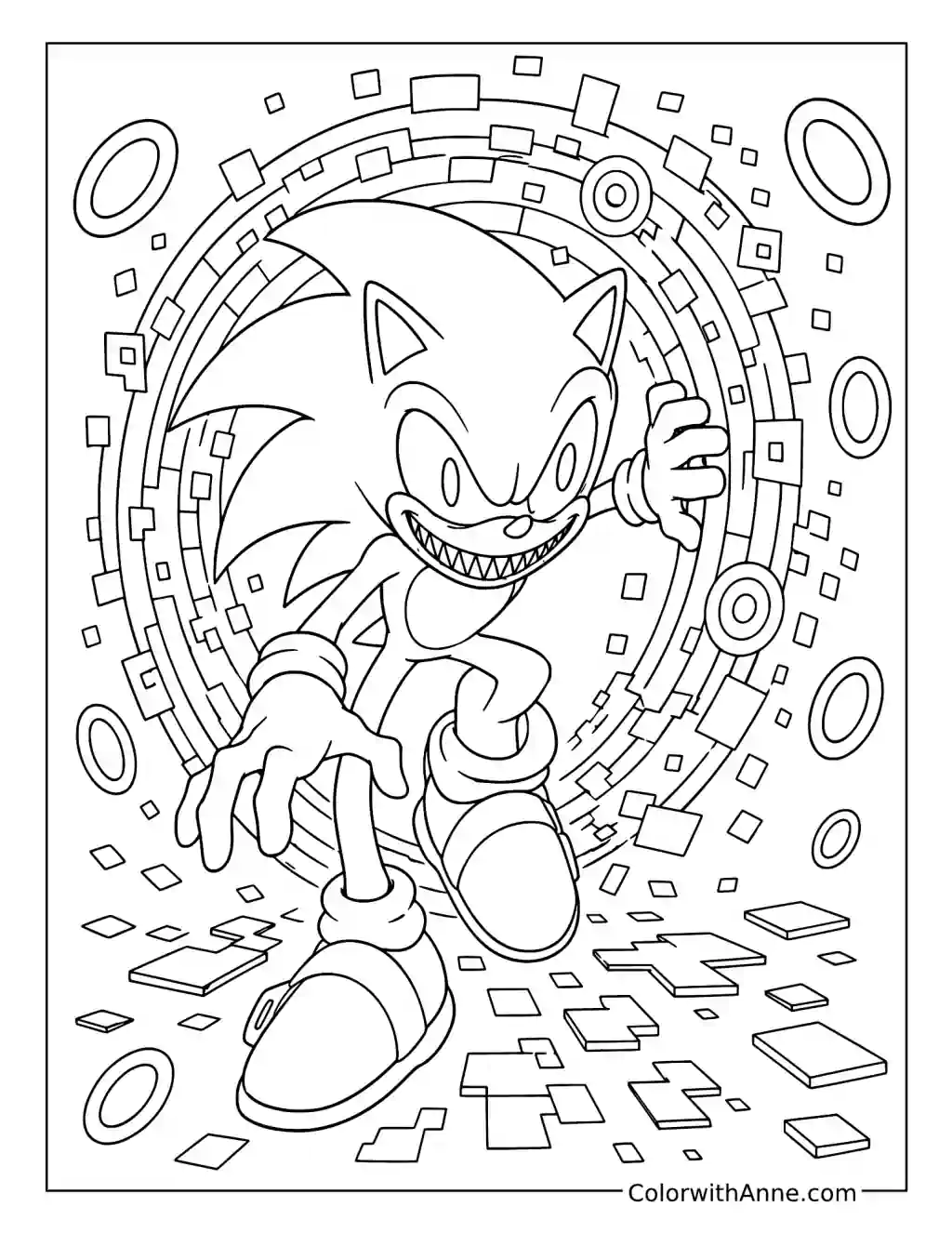
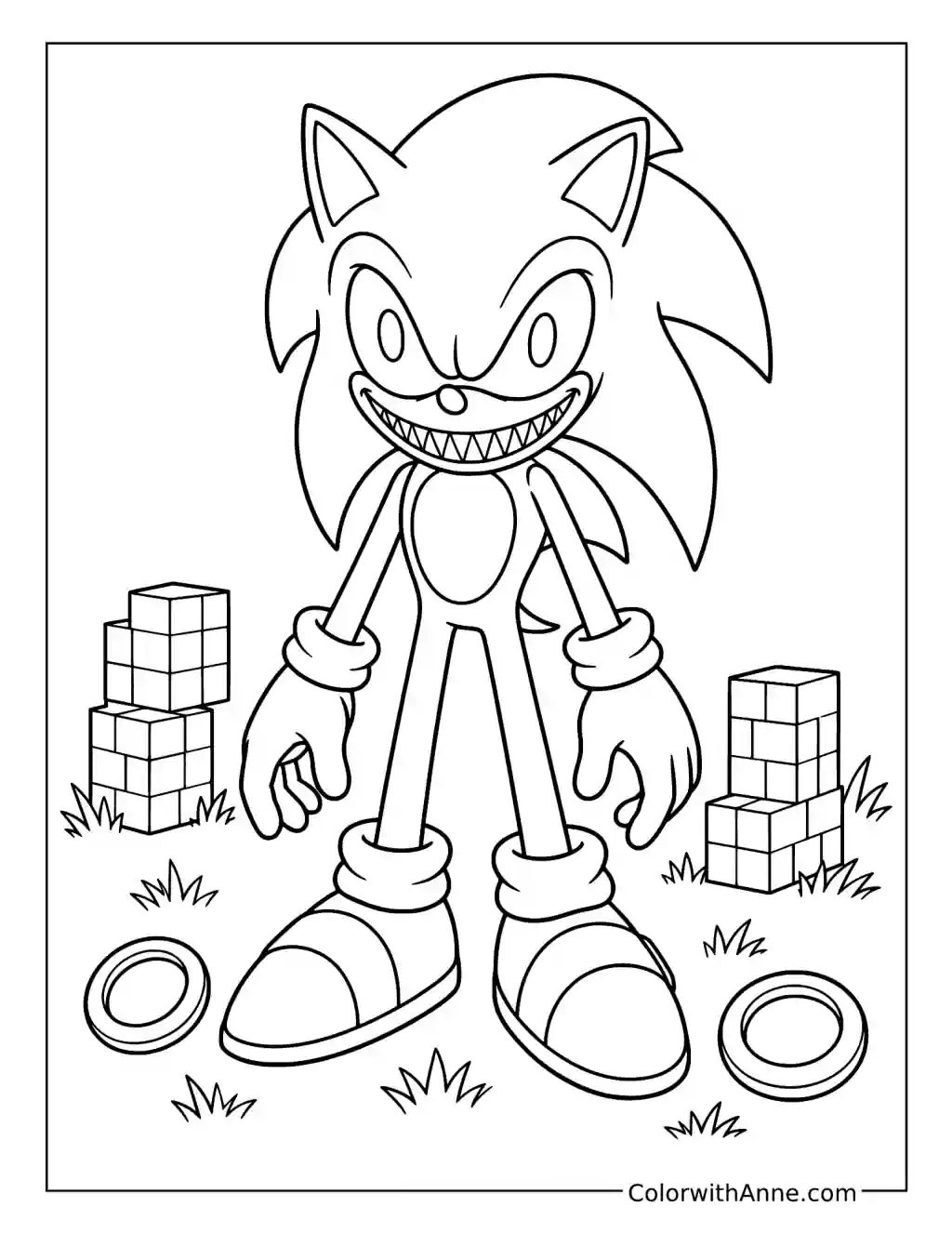
Break the Portal into Misbehaving Pixels
The circular portal is built from rings and rectangular fragments, with more blocks scattered beneath Sonic.EXE’s feet. Choose two contrasting colors for the digital pieces and repeat them irregularly.
Let a few nearby blocks carry a color that seems to belong somewhere else in the ring. Those deliberate interruptions create a corrupted-screen feeling without requiring every square to look chaotic. Keep Sonic.EXE’s outline clear enough that the emerging body remains readable while the surrounding portal appears to be losing its order.
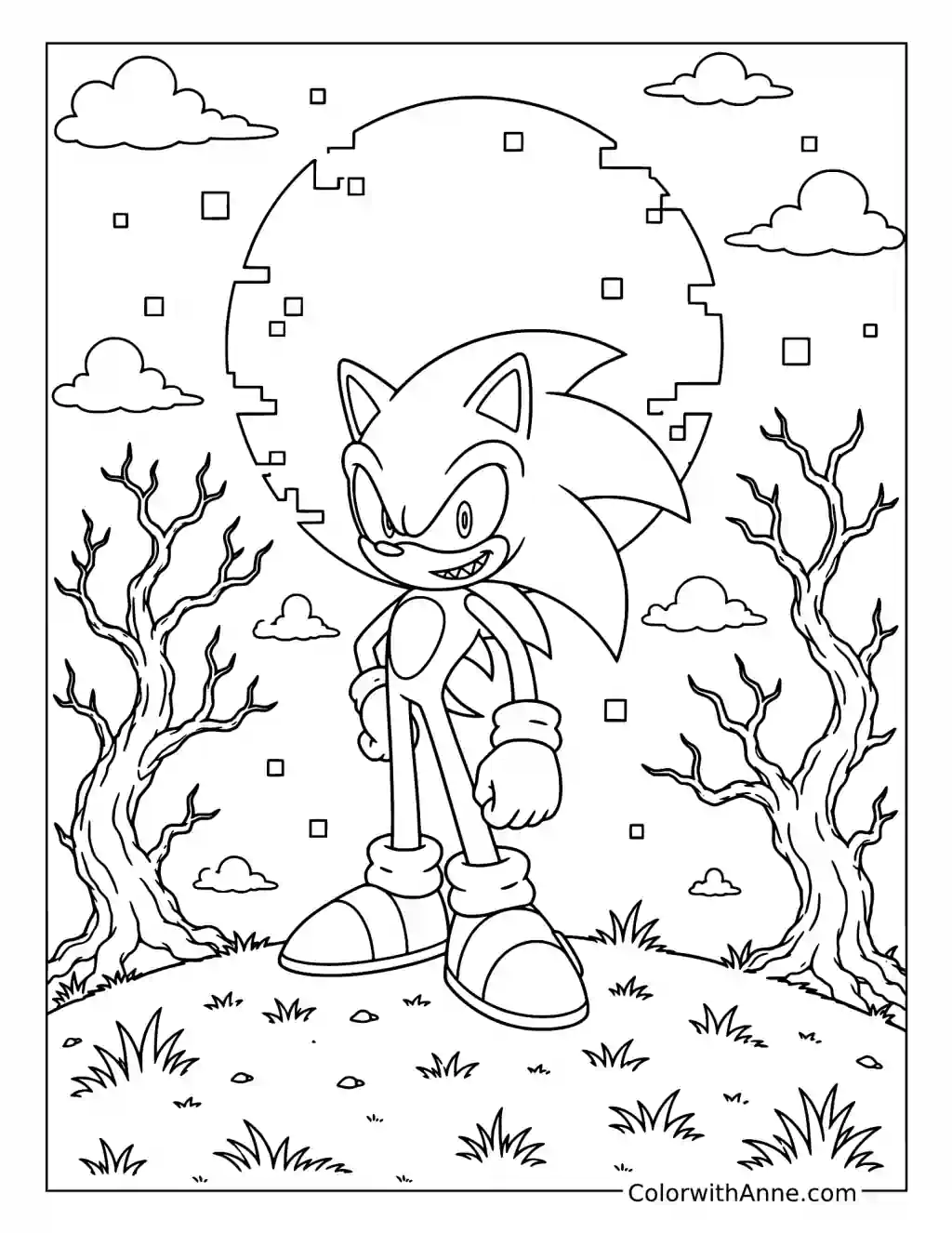
Make the Moon’s Missing Pieces Matter
The moon’s circular outline breaks into small square fragments above bare trees. Leave it pale against a deep sky, then give selected fragments a cold blue or violet edge.
Repeat that accent in only a few places below, as though the disruption is beginning to affect the ground as well. The empty space around the moon is important; filling it with extra stars would soften the damaged-screen effect. Let the incomplete circle remain the strange thing the viewer keeps returning to.
Let the Haunted Forest Close In
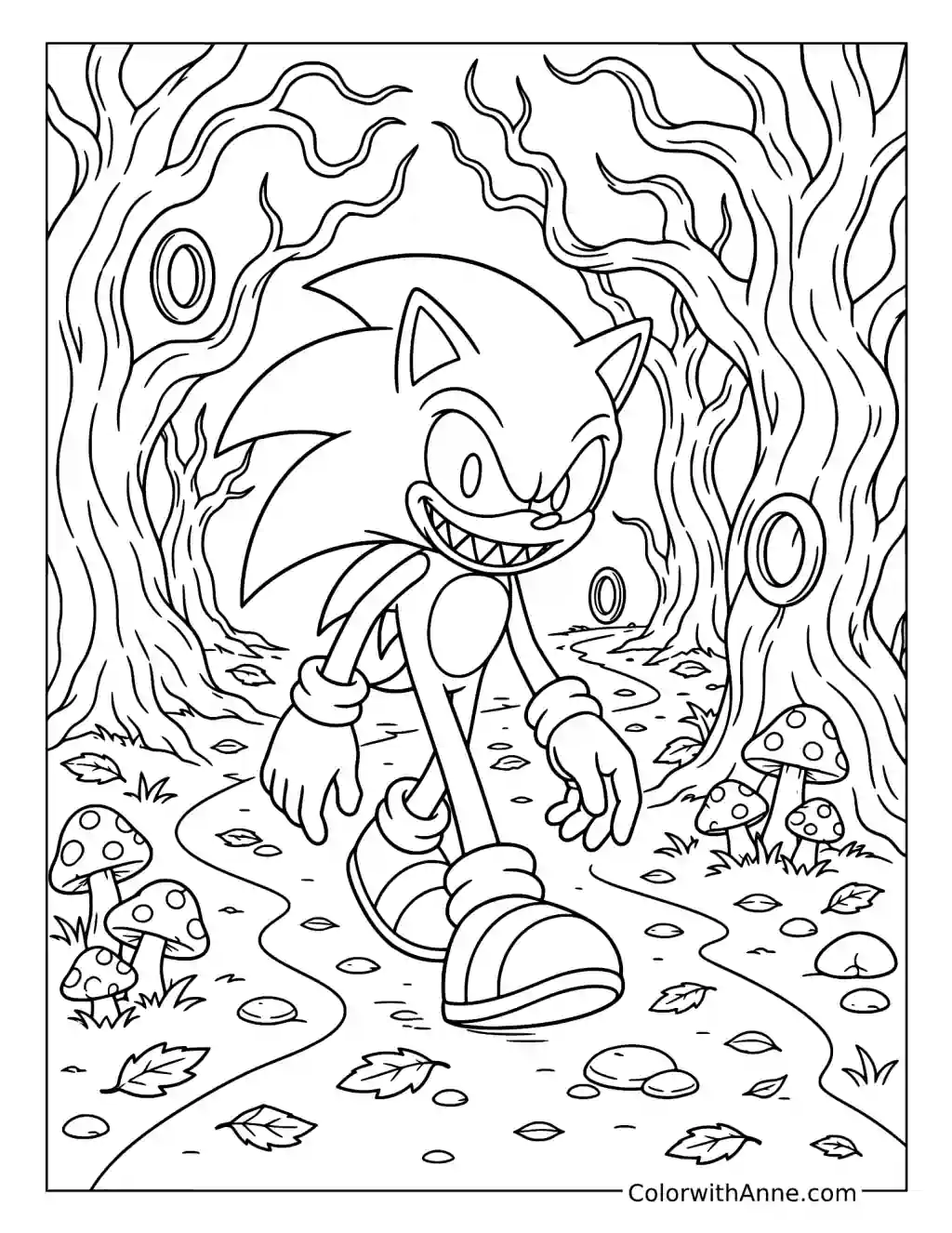
The twisting trunks curl around Sonic.EXE, with mushrooms and uneven ground below. Use those curves to pull attention inward: darker outer trees, lighter gaps near the figure, and small pockets of shadow close to the path.
Keep the bark’s flowing lines visible instead of flattening the forest into one dark mass. The scene feels more threatening when the trees retain their individual shapes. They should seem to surround the figure gradually, leaving just enough space for the viewer to wonder what lies farther along the route.
Make Sonic.EXE and Knuckles.EXE Share the Same Threat
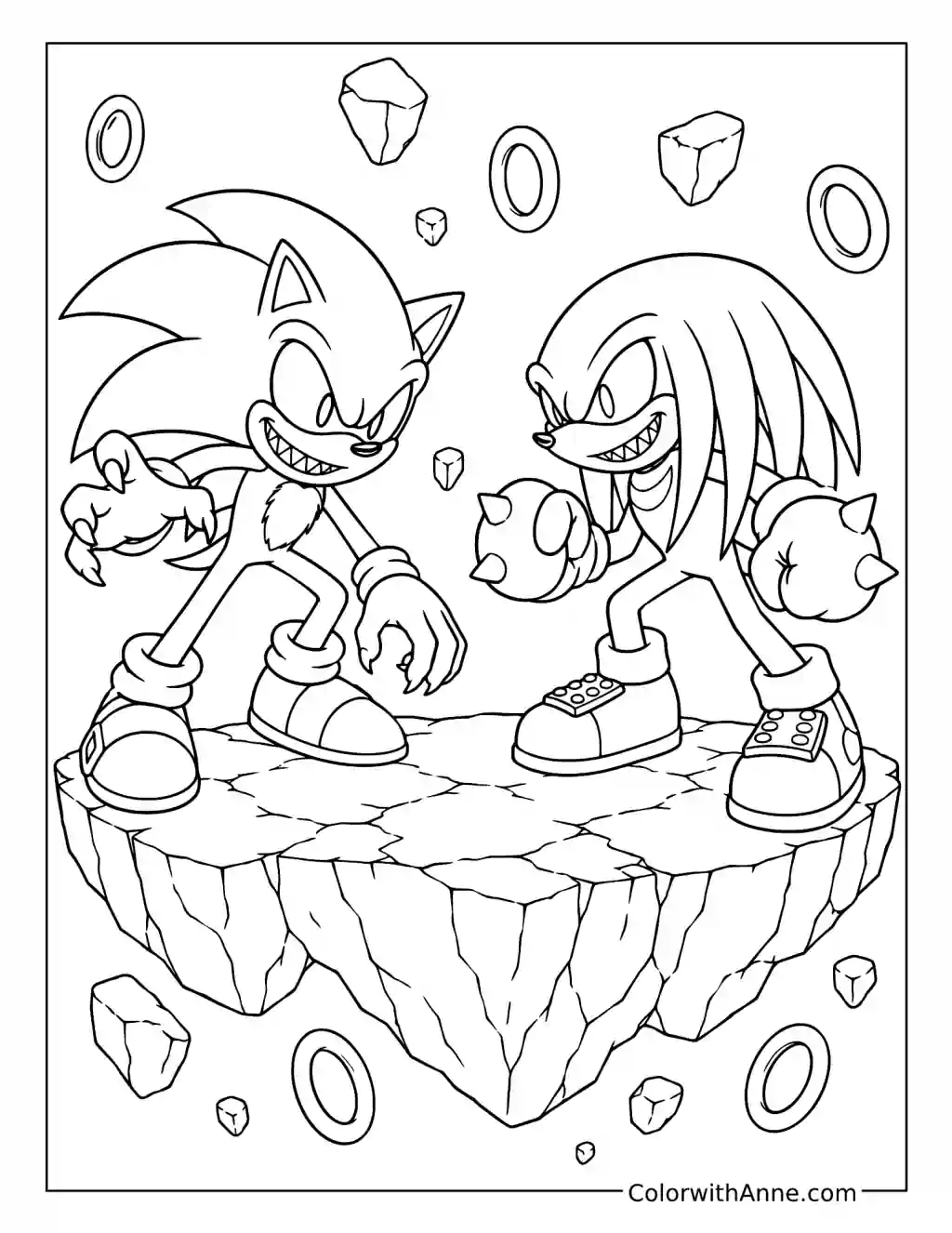
The two figures face each other on a floating rocky platform, with rings and crystals suspended around them. Their different silhouettes give the page a natural two-character structure.
Keep Sonic’s blue and Knuckles’ red distinct, then connect them through the same cold highlight and deep shadow color. That shared treatment makes them feel part of one unsettling scene rather than two separate character portraits. Darken the underside of the platform and leave the surrounding space relatively empty, so the confrontation feels isolated from any ordinary level.